 RaveMaker
How to fix the broken WordPress “HTML5 Swiffy Insert” plugin so it properly converts and displays Google Swiffy HTML5 content on your site.
UPDATE 31/3/2013
We have released our own ER Swiffy Insert Plugin. It was created from scratch with additional support for multiple run time script versions and it only loads the HTML5 code if there is a shortcode placed at the page/post.
Wordpress Plugin
WordPress has a plugin called HTML5 Swiffy Insert by Joan Garcia, Unfortunately it doesn’t work out-of-the-box and has several issues.
Convert SWF to HTML5
- First you need to get your HTML5 file so Go to the Swiffy upload page and upload your SWF file, you will then receive an HTML5 file.
Fix Wordpress Plugin
- Log-in to your WordPress site and install “HTML5 Swiffy Insert” plugin.
- Edit the plugin and replace
with `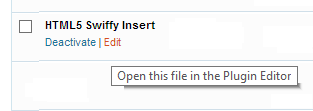 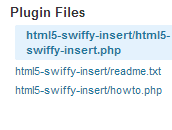``- You also need to change the Swiffy Runtime JS according to your script: replace `https://www.gstatic.com/swiffy/v4.7/runtime.js` with `https://www.gstatic.com/swiffy/v5.0/runtime.js` or any other version you might need - located in the HTML5 file first few lines. - Now you can activate the plugin and just follow the instructions to input your HTML5 code. 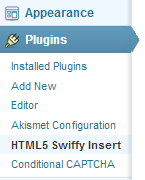`
` Enjoy.`