 ETCS
ETCS

The Coffee-Bytes plugin by Alex Popescu can add folding functionality to Eclipse IDE.
the .zip file should contain a “com.cb.eclipse.folding” folder. extract it to “eclipse\plugins”, so you should have now a “c:\eclipse\plugins\com.cb.eclipse.folding\” folder with several files inside.
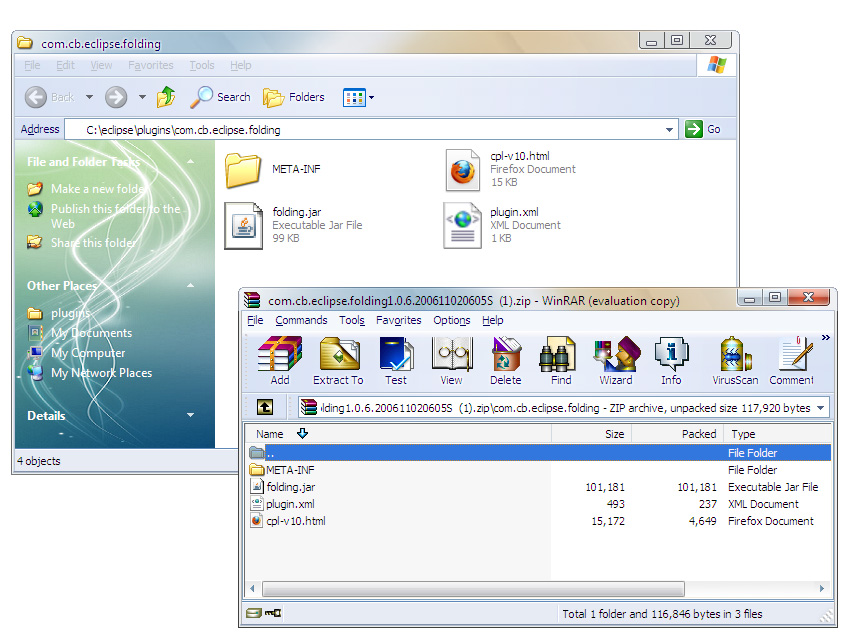
Start Eclipse.
Window > Preferences > Java > Editor > Folding Change to CoffeBytes 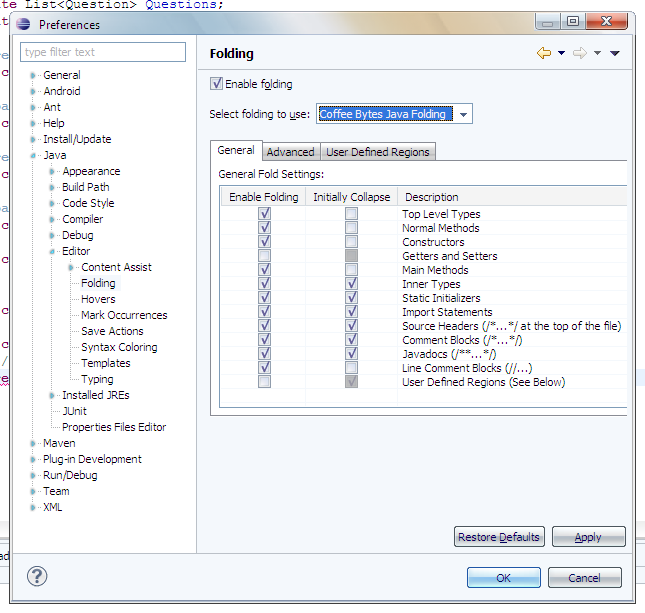
Enable User Defined Regions 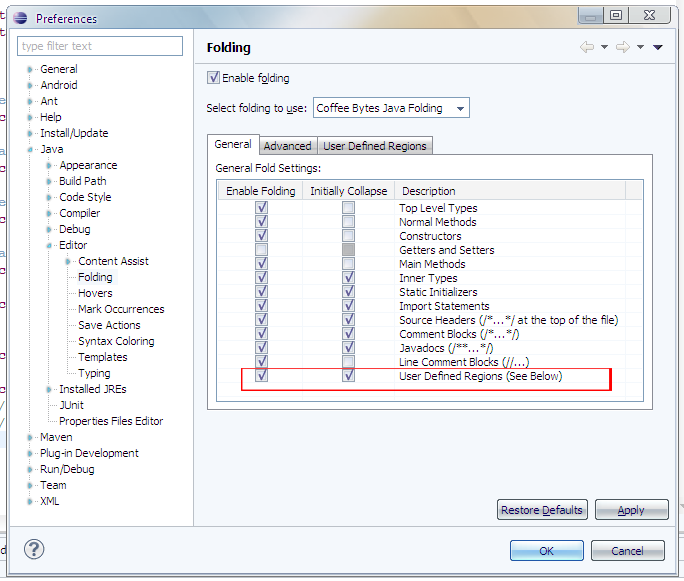
Set your user defined region
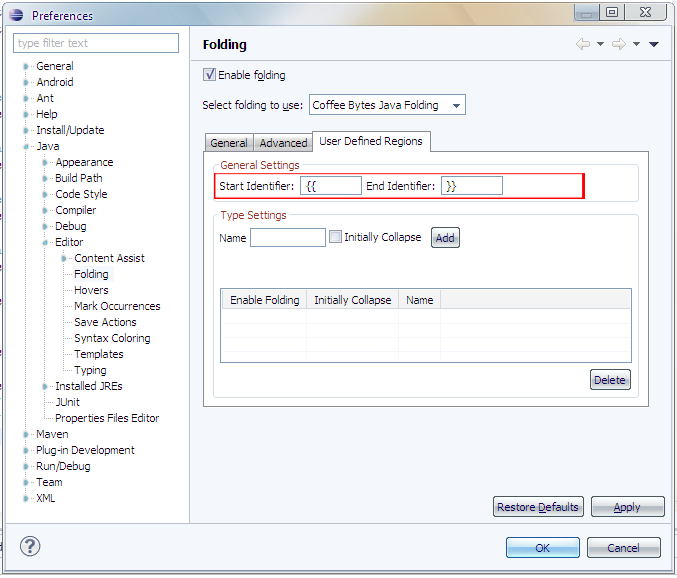
You’ll probably have to reload (close and reopen) any editor windows, and it’s ready. use it like:
`// {{ folded region name
code here
// }}`