 ETCS
ETCS

A step-by-step guide to batch converting RAW camera files (CR2, NEF, etc.) to JPG or PNG using IrfanView’s built-in batch conversion feature on Windows.
Download
Visit http://www.irfanview.com/
Download latest version (Version 4.35 for me),
Installation
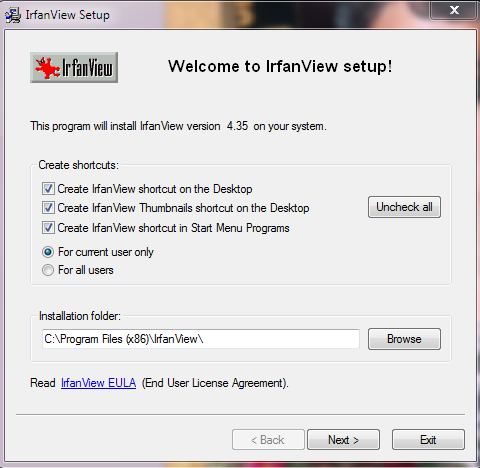
Just
Mass Convertion
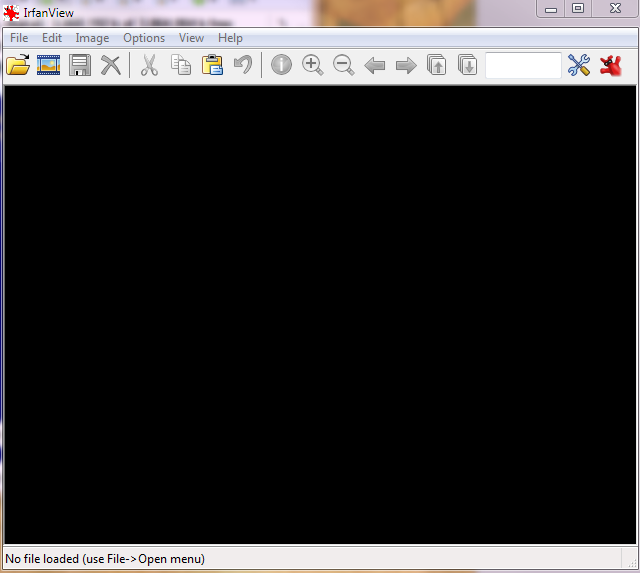
Start IrfanView, it’s should look like this:
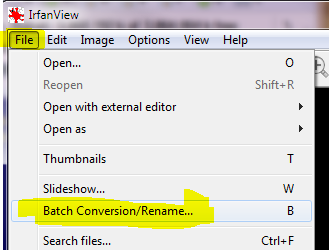
Press ‘B’ on your keyboard or Goto File > Batch Conversion/Rename
and this is what you should see:
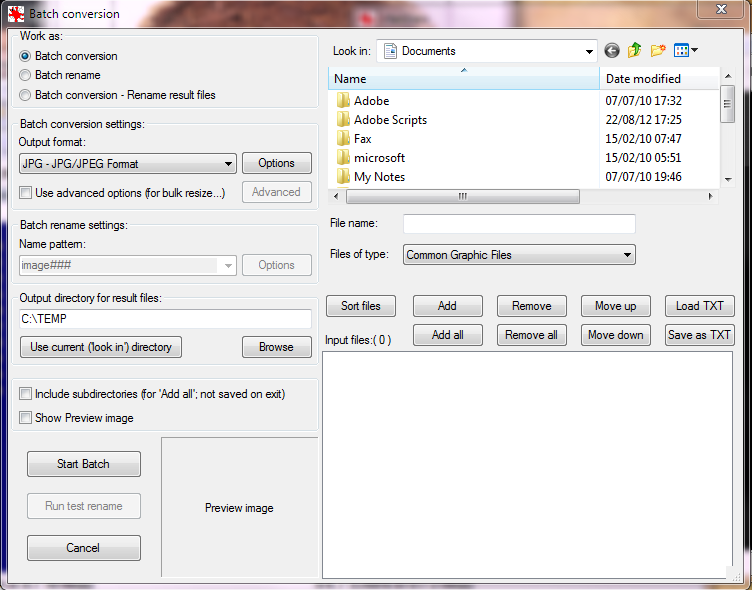
Now:
- Make sure you are at Batch Convertion mode.
- Add your files. If the irfan browser doesn’t see your files (like in this example), just drag them from your explorer to the input files box.
- Set the Output Directory and Output format to: JPG (or whatever you desire).
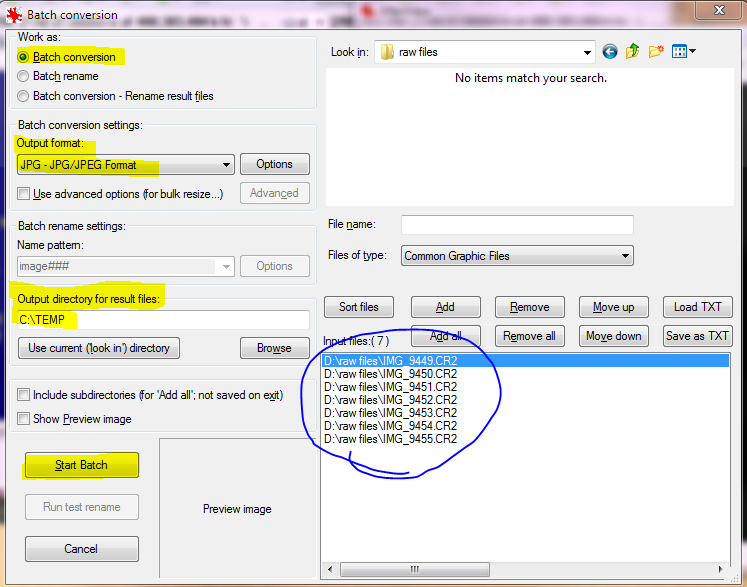
Note: you can use the advanced options for further bulk options like resize, crop, etc.
…
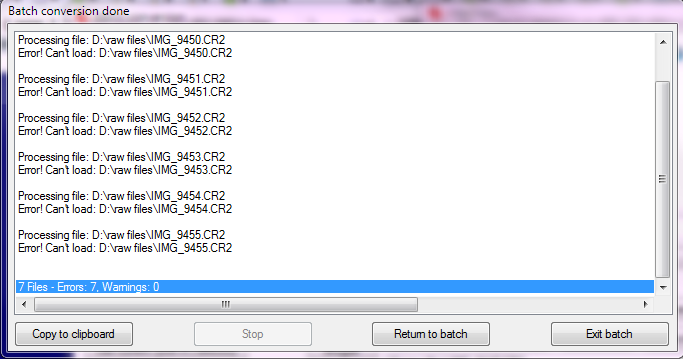
Press now the ‘Start Batch’ button, and your files are bulk converted!
Conclusion
Using IrafnView you can Bulk (Mass) Convert your RAW files to any other file type (JPG/PNG/TIF/etc)
You can do a lot more using this amazing cool software! Recommended!