 RaveMaker
Overview
In this tutorial we will explain how to Hide WordPress HomePage Title or All Pages Title.
Hide WordPress homepage title
First you need to know where to edit the current Title:
- Log in to you Admin page and go to pages.
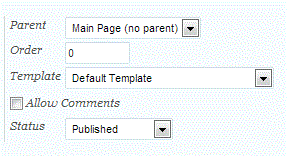
- On your Main Page click Quick Edit and verify the Template name (we will assume Default Template).
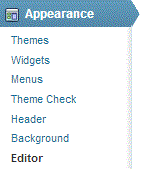
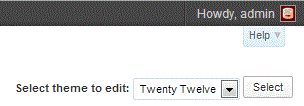
- Open the editor and select you theme and page (in twenty-twelve theme it is content-page.php).
- Replace
the\_title();withif(!is\_front\_page()) the\_title();
Hide WordPress title from all pages
- If you want to remove the title from all of your pages just delete the h1 block
All Done!