 ETCS
ETCS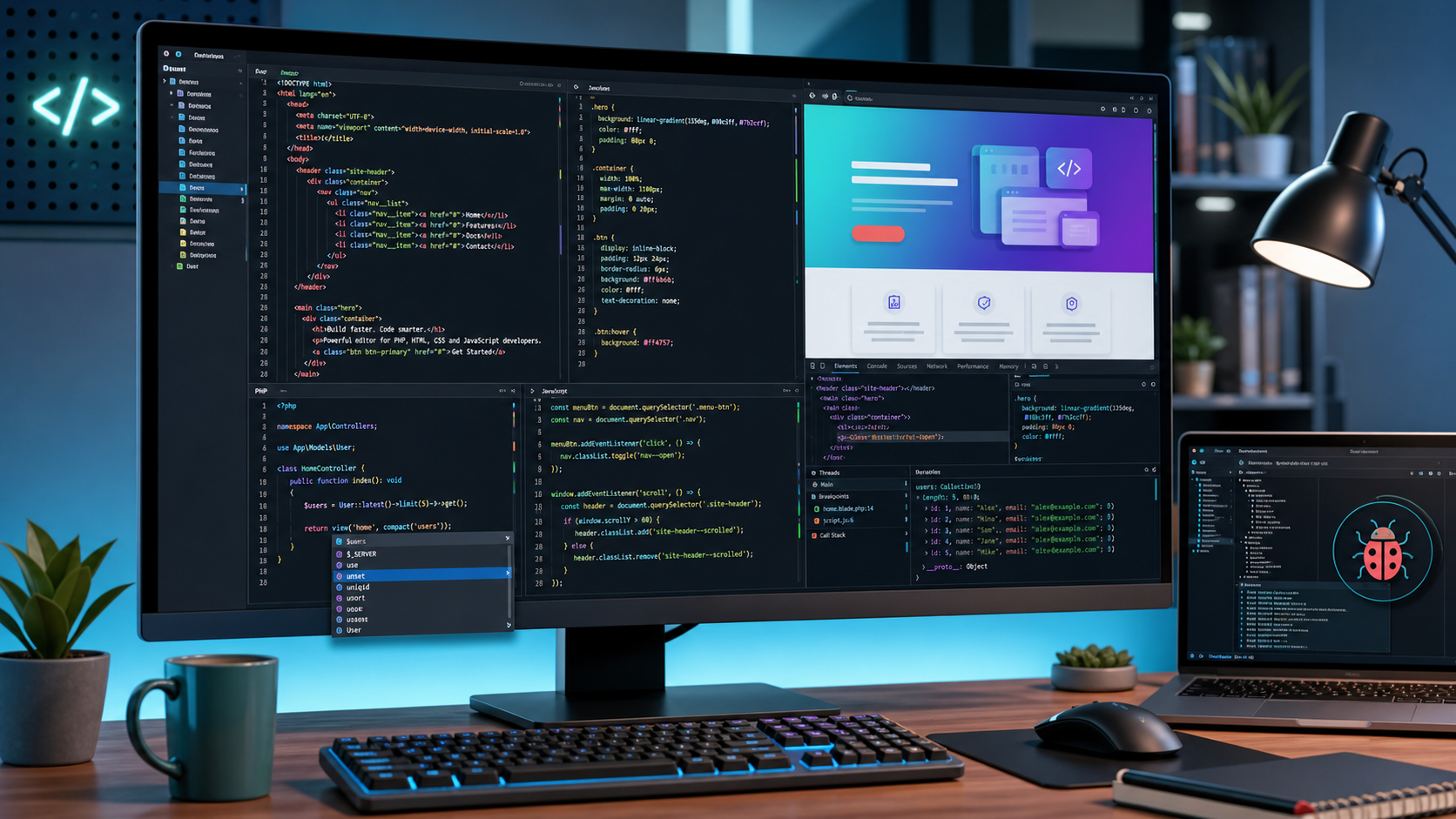
Looking for a lightweight editor that handles PHP, HTML, CSS, and JavaScript without the bloat of a full-blown IDE? Codelobster IDE has been around for a while and has built a solid following — here’s what we found after using it.
Disclaimer: We would like to thank Codelobster for providing us with access to their product for testing and review on our blog. All opinions expressed in this article are our own.
Codelobster IDE lets you edit PHP, HTML, CSS, and JavaScript files with syntax highlighting and hints for tags, functions, and their parameters. It handles mixed-content files well — if you insert PHP code in your HTML template, the editor correctly highlights both HTML tags and PHP functions. The same applies to CSS and JavaScript embedded in HTML files.
Key Features
Auto-completion — The built-in auto-completion speeds up your workflow and helps prevent typos and syntax errors.
Contextual help — Press F1 on any HTML tag, CSS attribute, PHP function, or JavaScript function to pull up documentation. Codelobster downloads the latest docs from official sources, so the references stay current.
PHP debugger — The built-in debugger lets you execute PHP scripts step by step. You can set breakpoints, step through loops, and monitor variable values during execution.
HTML/CSS inspector — You can preview HTML templates directly in the editor, highlight elements on the page, and explore their associated CSS styles. It works similarly to the browser DevTools you’re already familiar with.
Bracket and tag matching — Parentheses and tags are highlighted in pairs, so you never have to manually count brackets or quotation marks.
Code folding and navigation — You can collapse code blocks, set bookmarks for quick navigation, and the editor recognizes and builds the full structure of PHP projects — useful for working with larger codebases.
Cross-platform — Codelobster runs on Windows 7/8/10, macOS, and Linux (Ubuntu, Fedora, Debian).
Multi-language UI — The interface supports 17 languages, including English, German, Russian, Spanish, and French.
Professional Version
The free edition covers the basics well, but the professional version adds some notable extras:
Built-in FTP client — Edit files on a remote server, preview results, and synchronize changes back to your hosting — all without leaving the IDE.
JavaScript library support — Full support for jQuery, Node.js, AngularJS, BackboneJS, and MeteorJS.
PHP framework plugins — Extensions for CakePHP, CodeIgniter, Laravel, Phalcon, Smarty, Symfony, Twig, and Yii.
CMS plugins — Plugins for Drupal, Joomla, Magento, and WordPress.
You can download and install frameworks directly from within the program, which keeps you focused on the task at hand.
What Could Be Better
- The UI feels dated — Compared to modern editors like VS Code, the interface looks a bit old-school. It’s functional, but a visual refresh would go a long way.
- Plugin ecosystem is limited — While the built-in plugins cover popular frameworks, the selection is small compared to what VS Code or JetBrains offer through their marketplaces.
- No Git integration in the free version — For most modern workflows, version control integration is a must-have. Having to rely on an external Git client is a drawback.
Final Verdict
After a year of use, our team had no major complaints. Codelobster IDE is fast, stable, and handles even large PHP projects without hanging. It’s a solid choice if you work primarily with PHP and want a lightweight, focused editor without paying for a JetBrains license. The free version is genuinely usable, and the pro version is worth considering if you need FTP access or framework-specific tooling.
You can download Codelobster IDE from the official website: codelobsteride.com.